
For installers who quote from the rooftop
Solar quotation software for installers in India
Bharat Solar Venture is solar quotation software for installers in India. Put your company details in once, key in the customer's requirement, and send a branded, GST-ready PDF with BOM, terms and a subsidy estimate on WhatsApp. Customer wants changes? Edit and send again.
Last updated

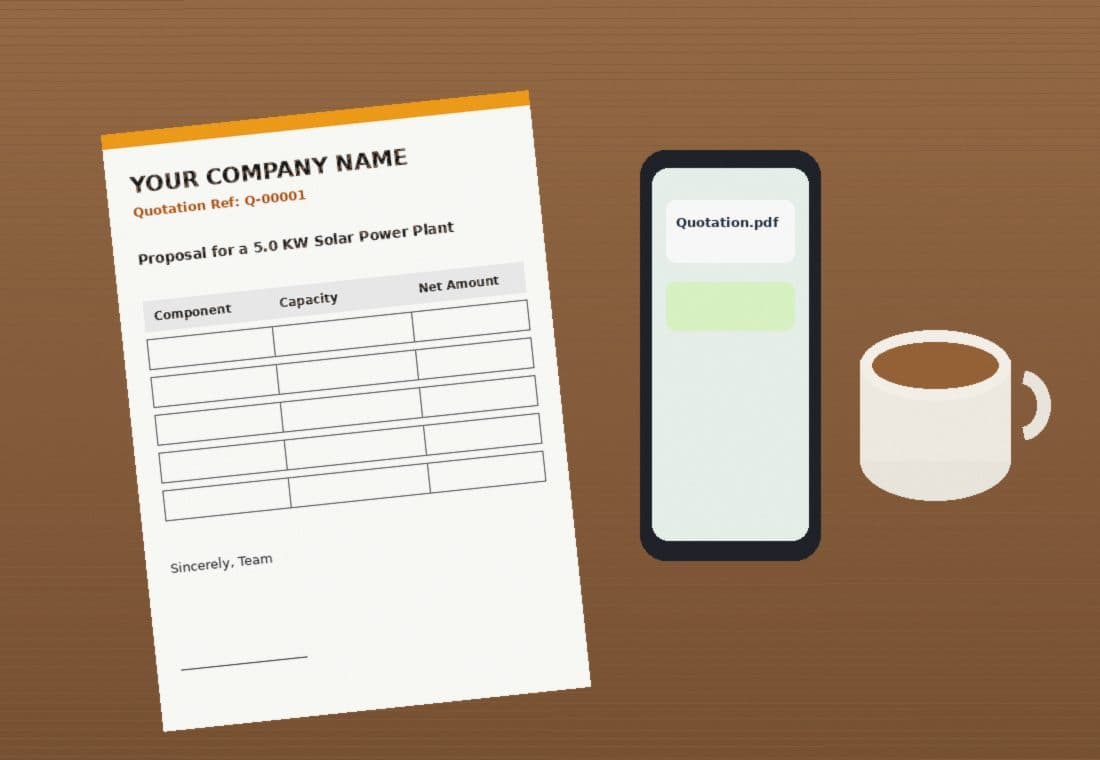
Open one quotation. Everything a customer asks about is on it.
- Prices from your own book
- Panels, inverters, batteries, brands, at your rates. Pick, don't retype.
- BOM and terms that travel along
- Your usual bill of materials and your own terms, editable per job.
- Subsidy estimate
- Indicative only, and it says so. The scheme decides the final amount.
- Customer history
- A repeat customer's details and old quotes are already there.
From the customer's call to the PDF
- 1
Set up your company
Details, logo, bank account, default prices. One time.
- 2
Fill in what the customer needs
Pick or add the customer, system size and parts. The preview updates as you type.
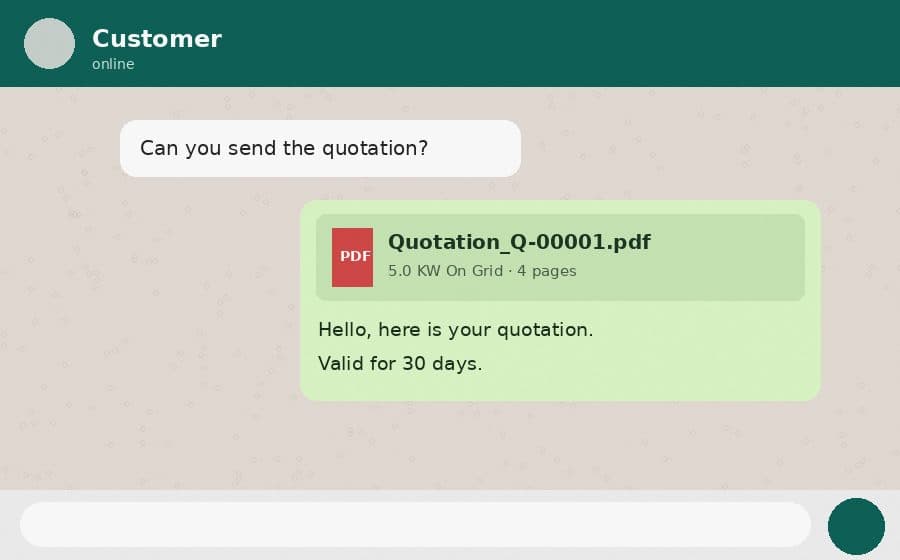
Send the link on WhatsApp
The customer opens a PDF with their name in capitals, as printed on the quotation. If they want a change, edit and send it again. Same link, new revision.
Try Quick Quote with a monthly bill
Quick Quote turns a customer's electricity bill into a draft quotation. Want to see the output first? Fill a watermarked sample with your own numbers. No sign-up, and the customer on it is made up.
Fill a sample quotationCommon mistakes
Leaving the company setup half done
Company name, logo, address, GSTIN, bank details and an authorised signature are set up once and printed on each quotation, so finish the setup before the first send.
Treating the subsidy figure as final
The quotation shows an indicative subsidy figure with a disclaimer. The official scheme decides the final amount, so do not promise it to a customer.
Retyping rates on every quote
Keep panels, inverters, batteries and brands in your catalog with your own rates, then pick them while quoting instead of typing them again.
What to check before you send
- Company name, logo, address, GSTIN, bank details and signature are set up
- Rates come from your price book, or you have reviewed them on the quotation
- The bill of materials and the terms and conditions are the ones this customer should see
- The subsidy line is shown as an indicative estimate
- The customer's name and details are right, because the PDF prints the name in capitals
Your next enquiry is waiting
Set your company up once. After that a quotation takes a few minutes, and it already carries your GSTIN, bank details and signature.
Create your account